
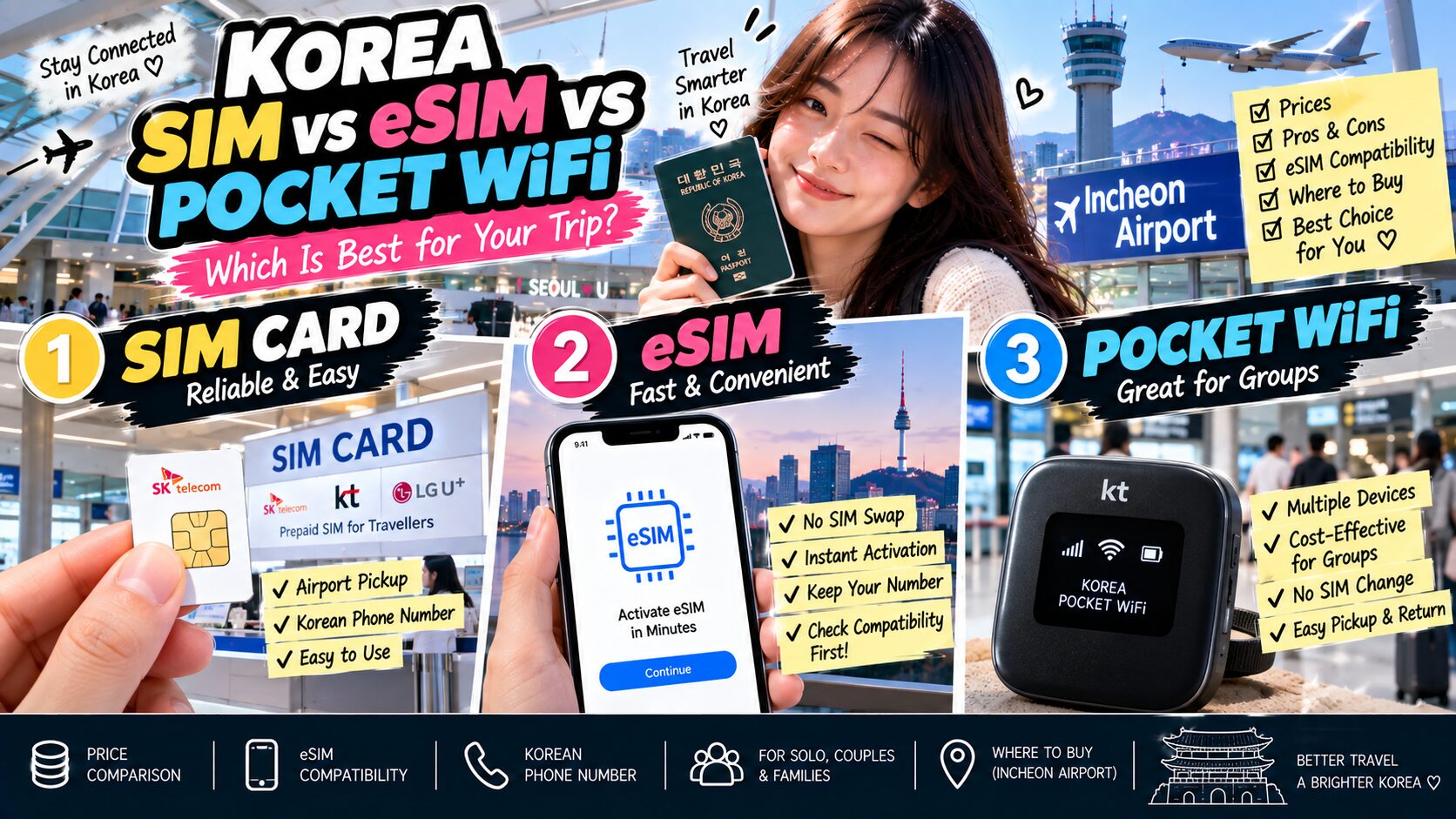
Korea SIM Card vs eSIM vs Pocket WiFi: Which Is Best?
Choosing between a Korea SIM card vs eSIM can be confusing before your first trip, especially when pocket WiFi is another option.
The good news is that getting mobile data in Korea is easy.
Major Korean airports have carrier roaming centers where travelers can buy SIM cards, arrange eSIM service or rent portable WiFi devices. SIM cards are also available at selected convenience stores and online.
The best choice depends mainly on three things:
How many people are traveling with you, whether your phone supports eSIM, and whether you need a Korean phone number.
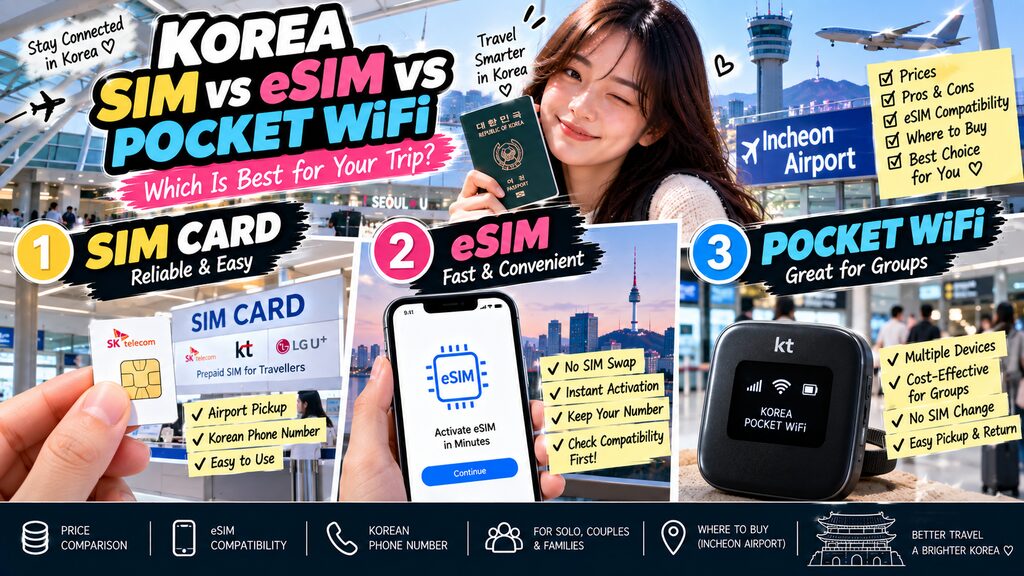
| Option | Best For | Main Advantage | Main Disadvantage |
|---|---|---|---|
| Physical SIM | Most travelers | Reliable and easy to understand | Must replace or use another SIM slot |
| eSIM | Solo travelers | No physical SIM swap | Requires compatible unlocked phone |
| Pocket WiFi | Families & groups | Multiple devices share one connection | Extra device to charge and return |
1. Physical SIM Card — The Safest Choice for Most Travelers
A physical Korean SIM works just like the SIM card you normally use at home.
After arriving in Korea, you insert the Korean SIM into your phone and connect to the local mobile network.
VISITKOREA says prepaid Korean SIM cards are commonly available for periods from 1 to 90 days and can be purchased at airports, convenience stores and online.
For a first-time visitor who doesn’t want to think too much about technical compatibility, this is probably the easiest option.
You don’t need to scan QR codes or configure multiple eSIM profiles.
Just make sure your phone is carrier-unlocked.
2. Physical SIM Advantages
A SIM card makes sense if:
- Your phone doesn’t support eSIM
- You want a Korean phone number
- You prefer staff to help you activate the service
- You don’t mind removing your home SIM
- You’re staying for several days or longer
Major carrier tourist products can include unlimited data and a Korean 010 mobile number.
For example, LG U+’s current tourist SIM offers unlimited 5G/LTE data and a Korean phone number, with airport pickup available at Incheon, Gimpo and Gimhae airports.
3. Physical SIM Disadvantages
The biggest inconvenience is obvious:
You have to physically change the SIM.
If your phone has only one SIM slot, you may need to remove your home-country SIM and keep it somewhere safe during the trip.
That also means your normal phone number may not receive calls or text messages while that SIM is removed.
Travelers who need to receive bank verification messages from home should think about this before swapping SIMs.
4. eSIM — The Most Convenient Option for Solo Travelers
An eSIM is a digital SIM profile stored inside your phone.
You don’t need to insert a physical card.
Instead, you normally receive a QR code after purchasing the plan and install the profile through your phone settings.
LG U+’s current tourist setup instructions show the process as:
iPhone
Settings → Cellular → Add eSIM → Use QR Code
Android
Settings → Connections → SIM Manager → Add eSIM → Scan QR Code.
For travelers with compatible devices, this is easily the most convenient option.
5. Why eSIM Is So Useful for Travelers
The biggest advantage is that you can usually keep your original physical SIM inside the phone.
That means a dual-SIM setup can allow you to:
Use Korean eSIM for data
while
keeping your original SIM available for important calls or messages.
Exactly how dual-SIM works depends on your phone and home carrier, so check roaming settings before turning your home line on.
Otherwise, you might accidentally create expensive roaming charges.
6. How to Check If Your Phone Supports eSIM
This is the part you should check before paying.
One easy method supported by LG U+ is:
Open the phone keypad
↓
Dial:
*#06#
↓
Look for:
EID
If your phone displays an EID, the device has eSIM hardware support.
EID stands for Embedded Identity Document and acts as an identifier for the phone’s built-in eSIM system.
However, this does not automatically guarantee that every Korean carrier’s tourist eSIM will work with your exact phone.
Carrier compatibility and where the phone was purchased can still matter.
7. Another Way to Check eSIM on iPhone
Open:
Settings → Cellular
Look for:
Add eSIM
If the option appears, your iPhone generally supports eSIM.
Also make sure the device is not carrier-locked.
LG U+’s tourist eSIM specifically requires an unlocked device that supports eSIM.
So the ideal checklist is:
EID appears
Add eSIM option exists
Phone is carrier-unlocked
If all three are true, you’re in a much better position to use eSIM.
8. How to Check eSIM on Android
On Samsung Galaxy devices, check:
Settings → Connections → SIM Manager
If you see:
Add eSIM
your device generally supports eSIM installation.
You can also use the *#06# method and check for an EID.
Be careful with assumptions based only on the phone model name.
Regional versions of the same smartphone can have different eSIM support.
Also check the specific Korean carrier you’re planning to use. LG U+, for example, currently warns that some overseas devices and certain brands may not work with its tourist eSIM service.
9. Don’t Buy an eSIM Before Checking Your Phone
This mistake is easy to avoid.
Some eSIM products become non-refundable once purchased or installed.
LG U+ currently states that completed eSIM purchases cannot be canceled or refunded, and a deleted installed eSIM cannot simply be restored.
So before buying:
Check EID
Check Add eSIM
Check carrier lock
Check the provider’s compatibility list
Then pay.
Doing those checks takes about two minutes.
10. Pocket WiFi — Best for Families and Groups
Pocket WiFi is a small portable router.
Instead of giving your phone its own Korean mobile connection, the device connects to the Korean mobile network and creates a private WiFi hotspot.
Several phones, tablets or laptops can then connect to it.
This is particularly useful for:
Families
Couples traveling together
Friends staying together
Travelers carrying multiple devices
Korea Tourism Organization confirms that portable WiFi rentals are available from carrier roaming centers at major Korean airports.
11. Pocket WiFi Advantages
The biggest advantage is sharing.
One device can provide internet to several travelers.
That can make it cheaper than buying four individual SIM plans for a family.
It also means:
No SIM replacement
No eSIM compatibility worries
Tablet and laptop connectivity
Easy sharing between travelers
For families with children carrying several devices, pocket WiFi can still make a lot of sense.
12. Pocket WiFi Disadvantages
There is one extra object you need to manage for the entire trip.
You need to:
Charge it
Carry it
Keep it close to everyone
Return it before departure
And avoid losing it.
If the person carrying the router walks away from the group, everyone else may lose the connection.
That’s why I wouldn’t personally choose pocket WiFi for two independent travelers who frequently split up.
13. How Much Do SIM, eSIM and Pocket WiFi Cost?
Prices depend on carrier, data plan and promotions.
For a concrete comparison, here are current official LG U+ tourist rates available in September 2026.
| Option | 1 Day | 3 Days | 5 Days | Notes |
|---|---|---|---|---|
| Tourist SIM | ₩6,500 | ₩18,000 | ₩27,500 | Unlimited 5G/LTE data |
| Tourist eSIM | ₩6,500 | ₩18,000 | ₩27,500 | Unlimited 5G/LTE data |
| Pocket WiFi | ₩4,400/day | ₩13,200 | ₩22,000 | Can be shared across devices |
LG U+’s current tourist SIM pricing is ₩6,500 for 1 day, ₩18,000 for 3 days and ₩27,500 for 5 days. Its eSIM products currently use the same short-term price structure.
The carrier’s pocket WiFi currently costs ₩4,400 per day. It provides 4 GB of high-speed data per day, after which data continues at up to 5 Mbps until the daily allowance resets.
Prices and promotions can change, so always confirm them shortly before traveling.
14. Pocket WiFi Can Be Cheaper for a Group
This is where the math becomes interesting.
For example, using the current LG U+ pricing:
Two travelers with separate 5-day SIMs
₩27,500 × 2 = ₩55,000
One 5-day pocket WiFi
₩4,400 × 5 = ₩22,000
So a shared router can be significantly cheaper.
But the trade-off is convenience.
If two travelers split up frequently, having separate mobile connections is usually worth paying more.
15. Pocket WiFi May Require a Deposit
Rental equipment needs to be returned.
LG U+ currently requires a card when the pocket WiFi is collected at the airport.
Its current conditions state:
Credit card
A ₩1,111 authorization is made without an actual charge.
Debit card
A ₩70,000 deposit is charged and refunded after the device is returned in good condition.
If you lose or damage the router, additional charges can apply.
That’s another difference from SIM and eSIM plans.
16. Which Option Gives You a Korean Phone Number?
This depends on the specific product.
Tourist physical SIM cards commonly provide a Korean 010 number.
Some eSIMs also provide Korean numbers.
LG U+’s current tourist SIM and certain eSIM products provide a Korean 010 number, though outgoing calling may require a voice-enabled plan or additional top-up.
A pocket WiFi router itself does not replace your phone line.
It simply provides internet.
If you need Korean calls or SMS, check the product carefully rather than buying based only on the word “unlimited.”
17. Do You Actually Need a Korean Phone Number?
For a normal short Korea trip, maybe not.
You can do a lot using only mobile data:
Naver Map
KakaoMap
Papago
Online tickets
Hotel messages
But a Korean number can be useful for restaurant reservations, delivery services or local calls.
Also note that receiving a Korean number does not necessarily mean it can perform every Korean identity-verification function.
LG U+, for example, says its tourist voice/SMS services can be used for some SMS verification such as restaurant or taxi apps, but not Korean banking or government identity verification.
18. SIM vs eSIM vs Pocket WiFi: Which One Should You Choose?
Here’s the easiest answer.
Choose a physical SIM if:
Your phone doesn’t support eSIM.
You want something simple.
You want airport staff to help with setup.
Choose eSIM if:
You’re traveling alone.
Your phone supports eSIM.
You don’t want to remove your normal SIM.
You want to set everything up before or immediately after arrival.
Choose pocket WiFi if:
You’re traveling as a family or group.
You want several devices online.
You plan to stay together most of the day.
You don’t mind carrying and charging another device.
19. My Recommendation by Traveler Type
| Traveler | Best Choice |
|---|---|
| Solo traveler | eSIM |
| First-time traveler worried about setup | Physical SIM |
| Couple staying together | eSIM/SIM or shared pocket WiFi |
| Family of 3–5 | Pocket WiFi |
| Business traveler | eSIM |
| Traveler needing Korean phone number | SIM or voice-enabled eSIM |
| Older phone without eSIM | Physical SIM |
| Multiple phones/tablets/laptops | Pocket WiFi |
There’s no universal winner.
The best option depends on how you travel.
20. Where Can You Buy Them at Incheon Airport?
Korea’s major mobile carriers operate roaming centers at major airports, including Incheon.
Travelers can purchase or activate mobile service there, and airport/convenience-store options are also available for prepaid SIM cards.
Buying online before departure can save time, especially for eSIM.
If you’re buying a physical SIM or renting pocket WiFi, reserving ahead can also make airport pickup easier.
21. Should You Buy Before Flying to Korea?
For eSIM:
Yes, usually.
Buy it in advance and keep the QR code available.
You still need internet access to install the profile, so doing the installation through WiFi before or at the airport is safer. LG U+ specifically notes that the phone must be connected to the internet to complete eSIM activation.
For a physical SIM:
You can reserve online and collect it at the airport.
For pocket WiFi:
Advance reservation is also sensible because you’re renting physical equipment.
22. Don’t Delete Your eSIM During the Trip
This is a surprisingly important warning.
Once an eSIM has been downloaded and installed, don’t casually delete it because the internet isn’t working immediately.
First try:
Airplane mode on/off
Restarting the phone
Checking which SIM is selected for mobile data
Checking data roaming settings when instructed by the provider
LG U+ warns that a downloaded eSIM cannot simply be restored after deletion.
Delete only when you’re completely finished with the plan or the carrier tells you to.
23. Korea Has Plenty of Free WiFi, but Don’t Rely on It Completely
Korea has public WiFi in many airports, subway stations, train stations, cafés and accommodations.
Technically, you could travel using only free WiFi.
I wouldn’t recommend it.
The moment you need:
Navigation on a random street
A translation app inside a restaurant
A taxi
A train ticket
A hotel address
you’ll be glad you have mobile data.
For most visitors, connectivity is one of the cheapest things to solve before the trip.
FAQ
Is eSIM better than a SIM card in Korea?
For a compatible unlocked phone, eSIM is usually more convenient because you don’t need to remove your physical SIM. A physical SIM is still excellent for travelers with older phones or anyone who prefers airport staff assistance.
How do I know if my phone supports eSIM?
Dial *#06#. If an EID appears, your phone has eSIM capability. You should still confirm compatibility with the specific Korean carrier and make sure the phone is unlocked.
Can I buy a SIM card at Incheon Airport?
Yes. Korea’s major airport roaming centers offer SIM services, and prepaid SIM options are also available through airport retailers.
Is pocket WiFi cheaper than eSIM?
For one traveler, not necessarily enough to justify the extra device. For a family or group sharing one router, pocket WiFi can be significantly cheaper.
Can several people use one pocket WiFi?
Yes. That’s the main reason groups choose it.
Does an eSIM give me a Korean phone number?
Some plans do and some are data-only. Check the exact product before purchasing.
Can I keep my normal SIM while using a Korean eSIM?
Often yes on dual-SIM-capable devices. Be careful with your home line’s roaming settings so you don’t accidentally create roaming charges.
Final Thoughts
The Korea SIM card vs eSIM decision is actually simple once you know your phone and travel style.
For most solo travelers with a modern unlocked smartphone, I’d choose eSIM.
For travelers who want the least technical uncertainty, a physical SIM from an airport carrier counter remains an excellent option.
And for families or groups staying together, pocket WiFi can offer the best value because several devices can share one connection.
Before buying anything, check whether your phone displays an EID, confirm that it’s carrier-unlocked and decide whether you need a Korean phone number.
Do those three things before flying and you’ll probably have internet working within minutes of arriving in Korea.
Related Articles
MY NOTE